DING DONG STREAM Controls & UI Guide
Device-friendly movement, porch interactions, and where to find codes, shop, Spin Stream, and lobby systems.
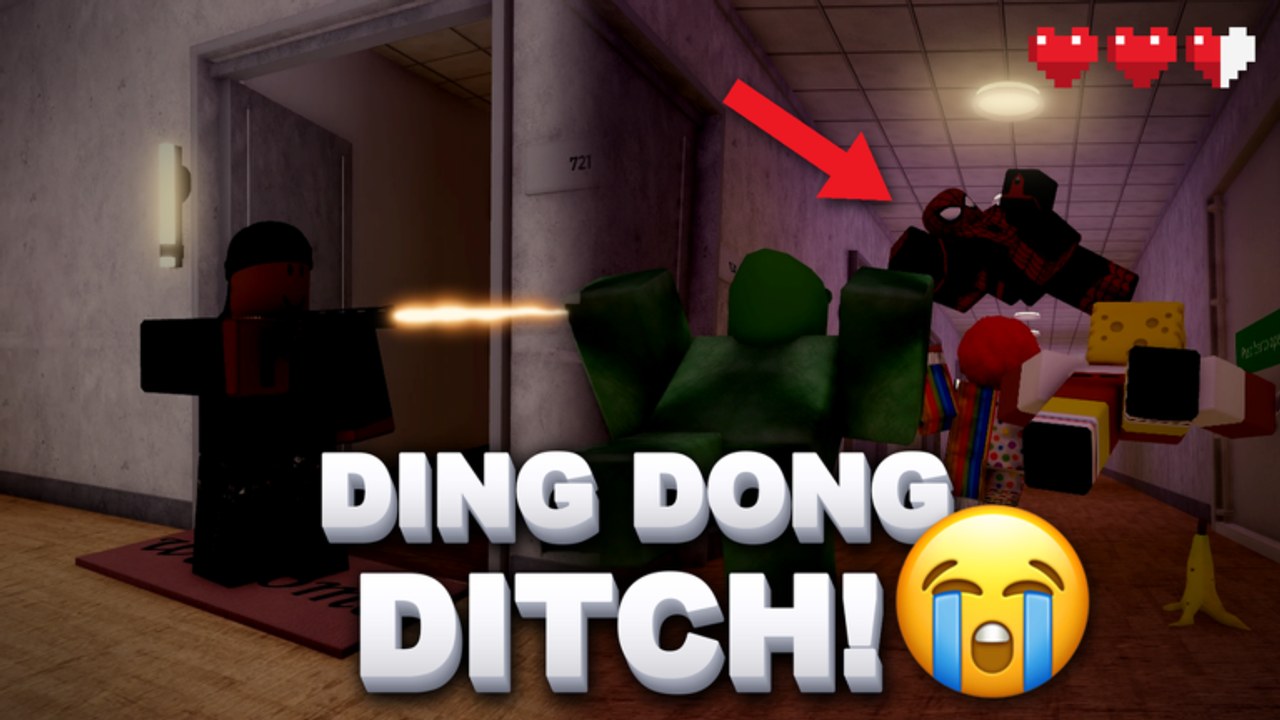
This Controls guide helps DING DONG STREAM! players stop losing rounds inside menus. Whether you play on PC, mobile, or console through Roblox, the fantasy is the same—ding, ditch, hide, manage the stream—but input comfort and UI literacy decide how clean that fantasy looks. Pair this page with the Players Hub for role tips and How to Play for the mechanical loop.
Universal priorities
Before device specifics, lock these habits:
- Movement first, menus second. Do not open shop mid-chase unless you are already safe in a hide from Hiding Spots.
- Know three UI targets cold: codes entry, shopping street purchases, and Spin Stream.
- Bind comfort over flair. If an emote wheel sits on your panic finger, move it.
- Practice in the lobby. The shopping street is your input gym. Sprint, camera-turn, open panels, close panels, repeat.
- Confirm Roblox platform settings (shift lock, touch sensitivity, controller dead zones) before blaming the game.
PC tips
PC players usually enjoy the easiest camera precision for porch peeks and Long Hallway sightline breaks.
- Use keyboard movement with mouse look; enable shift lock if you prefer aligned strafes around corners.
- Interact keys should feel reachable without releasing W entirely—porch hesitations get you caught.
- Keep the camera slightly elevated when scouting Hotel stairs or High School halls so you see seekers early.
- When redeeming codes, copy-paste carefully; many codes end with
!and fail on stale servers—hop to a new server if needed. - Open Spin Stream only when stationary in a safe lobby zone so you do not spin while blocking a doorway teammates need.
PC drill: thirty seconds of porch approach practice on Endless Suburbs without opening any menu. Then thirty seconds of lobby-only menu open/close reps.
Mobile tips
Mobile is fully viable but punishes fat-finger UI during Chaos.
- Lower touch sensitivity if camera jitter ruins bush enters.
- Place thumbs so the jump/interact cluster cannot accidentally open a shop panel mid-ditch.
- Use shorter camera sweeps; huge flicks lose seekers behind you on Hood alleys.
- Zoom out slightly in Hospital grids to read wardrobe rooms sooner.
- Redeem codes in lobby, not after a doorbell when your hands are sweaty.
- For Spin Stream, brace the device and tap deliberately—mis-taps waste spins earned from codes and playtime rewards (Tools).
Mobile drill: one full stream where you forbid yourself from opening UI until the round ends, then do all shopping afterward.
Console tips
Controller players should tune dead zones and trigger comfort for interact timing.
- Keep interact on a reliable trigger/bumper so Door Ram or doorbell moments are crisp.
- Use controlled stick acceleration for Long Hallway tracking; raw max speed often overshoots wardrobe doors.
- Rest sticks during hard hides—micro stick drift can wiggle bushes and reveal you.
- Navigate lobby shop categories methodically; rushing analog UI is how people buy the wrong cosmetic.
- If a codes button lives in a radial or side panel, rehearse the path until muscle memory beats the friend yelling the code in voice chat.
Console drill: ten clean ding-and-hide cycles focusing only on camera stability, zero emotes.
UI map: codes, shop, Spin Stream, DITCH TV
Codes button
Find the codes entry in the lobby UI, enter strings exactly, and prefer a fresh server when redemption fails. Keep the live list on the Codes page. Codes typically grant Cash and spins—fuel for everything else.
Lobby shopping street
Treat the shopping street as a build desk, not a mall binge. Buy the prop that fixes your common death (see Props Tier List) before cosmetics. Walk the street at the start of sessions so you remember category layout under pressure.
Spin Stream
Spins arrive from codes and daily playtime rewards. Spin with a budget: never dump every spin when you still lack a core tool. Stand still, confirm the spin UI, resolve the result, then re-enter movement. More discipline tips sit on Tools.
DITCH TV
When you post highlight runs, stabilize camera first, then post. Shaky mobile clips bury the joke. Leave teammates a beat of space if they are lining up a clip during Chaos.
In-round control hygiene
- Scout camera: peek angles before committing to the mat.
- Ding commitment: press interact once with an exit already chosen.
- Ditch inputs: strafe plus camera break; avoid sprinting in a straight confession line.
- Hide enter: stop spam-jumping at locker doors; clean enters matter.
- Prop fire: aim tools like Boxing Gloves or Hammer Throw with the same care you aim cameras—whiffs reveal you. Mode advice: Modes Guide.
Accessibility and comfort
If you struggle with motion, reduce camera shake where Roblox settings allow and prefer Suburbs practice maps from the Maps Tier List. Take breaks during 24-player Chaos; input quality drops when hands fatigue. Custom control remaps inside Roblox can save players with different reach needs—test them in lobby first.
Squad UI agreements
Agree who reads codes aloud, who watches the shop wishlist, and who tracks Spin Stream budgets. One person dumping all spins while another still needs Door Ram is how friend groups create artificial poverty. Patch changes that add UI entry points should be checked on Update 1.2.
Practice curriculum tied to controls
- Lobby: open codes → close → open shop → close → open Spin Stream → close, ten times.
- Endless: ten ding-ditch-hides with zero menu opens.
- One prop-only session focusing on accurate activation timing.
- One Seekers session focusing on camera tracking at chokes (Players Hub).
- One highlight posting session with stable DITCH TV framing (Tools).
Related reading
- Roles and teamwork: Players Hub
- Beginner path: Getting Started
- Maps and modes: Maps Guide, Modes Guide
- All guides: Guides Hub
Controls will not ring the doorbell for you—but bad controls will make every doorbell louder for the wrong reasons. Master inputs and UI paths, then spend attention on comedy, routes, and the stream timer where it belongs.
Frequently Asked Questions
Quick answers about codes, maps, modes, and stream runs.
Where do I redeem codes?
Use the in-game codes button in the lobby UI, enter the code exactly, and try a new server if it fails. Track active codes on the Codes page.
When should I open the shop or Spin Stream?
Prefer the lobby shopping street between rounds. Avoid menus mid-chase unless you are already safely hidden.
Any mobile-specific advice?
Tune sensitivity, keep thumbs clear of accidental UI taps, redeem codes before sweaty rounds, and spin deliberately.
How do console players avoid bush wiggle reveals?
Neutralize stick drift during hard hides and practice camera stability drills in Endless.